News Resources
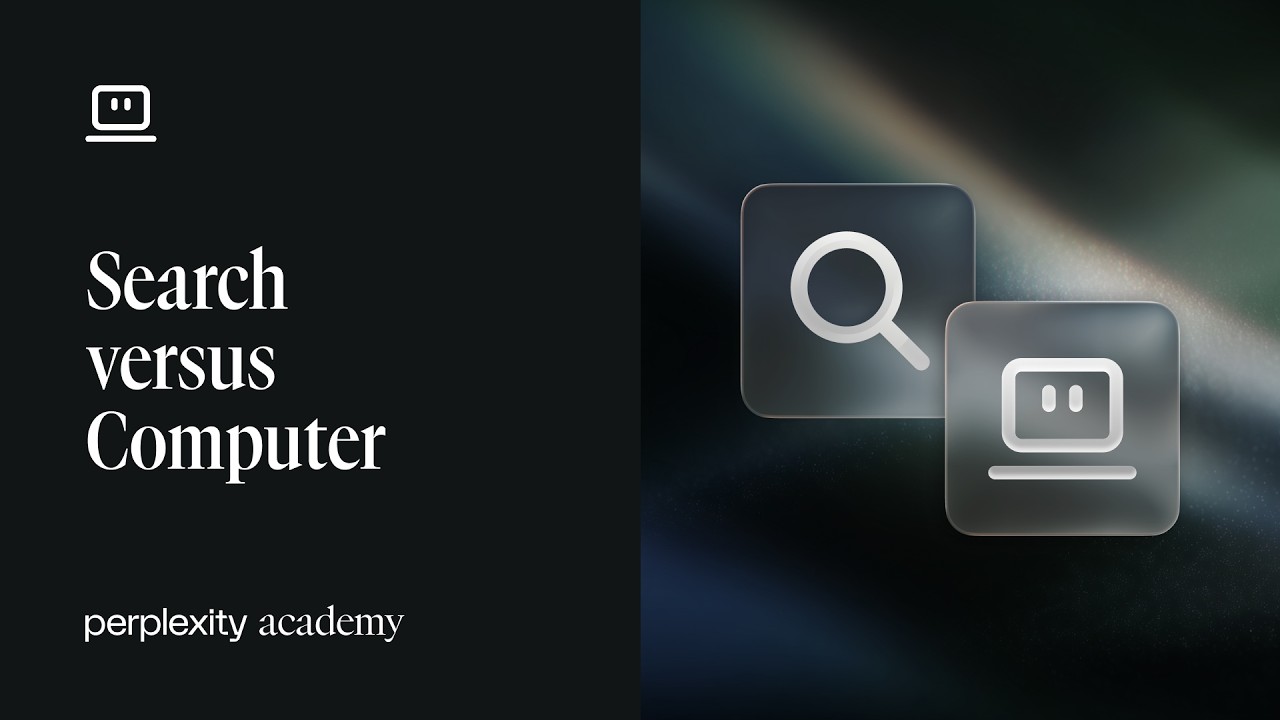
Perplexity | Search vs Computer | Perplexity Academy
This video and its description were originally published by Perplexity.
Search answers focused questions and returns cited results from the open web, premium sources included in your subscription, and your connected knowledge. Use it to summarize a document, compare a short list of options, or explore a topic before deciding what to do next. Every fact and figure is backed by a clickable citation, so you can hover any claim and jump straight to the source.
Computer takes over when the work spans multiple steps, sources, or tools. It’s a multi-model orchestrator that researches across files, systems, and the open web, then builds reports, spreadsheets, decks, dashboards, and websites. Computer connects to Google Drive, Slack, Salesforce, GitHub, Snowflake, and 400+ other tools, and it can run on a schedule to monitor changes and send proactive alerts.
You’ll learn how to:
-Choose between Search and Computer for any request
-Use Search for cited answers, summaries, and quick comparisons
-Verify facts through clickable citations in every answer
Hand off multi-step work — research, enrichment, deliverables — to Computer
-Connect Computer to Google Drive, Slack, Salesforce, GitHub, and Snowflake
-Schedule recurring Computer tasks with proactive alerts
-Start with a question in Search, finish with the work done in Computer — on desktop, mobile, or in voice mode.
Subscribe to the Perplexity Academy playlist for more tutorials on getting the most out of Perplexity Search, Computer, and Connectors.
🔗 Try Perplexity Computer: https://www.perplexity.ai/computer
📚 Perplexity Academy Playlist: https://www.youtube.com/watch?v=yoD6LUiTuH8&list=PLKwRkjCH760NNEPqk75Ds6FfIMDmFwHIK
#PerplexityComputer #PerplexityAcademy #PerplexityAI #PerplexitySearch #PerplexityConnectors #AIAgent #AIWorkflow #AIAutomation