News Resources
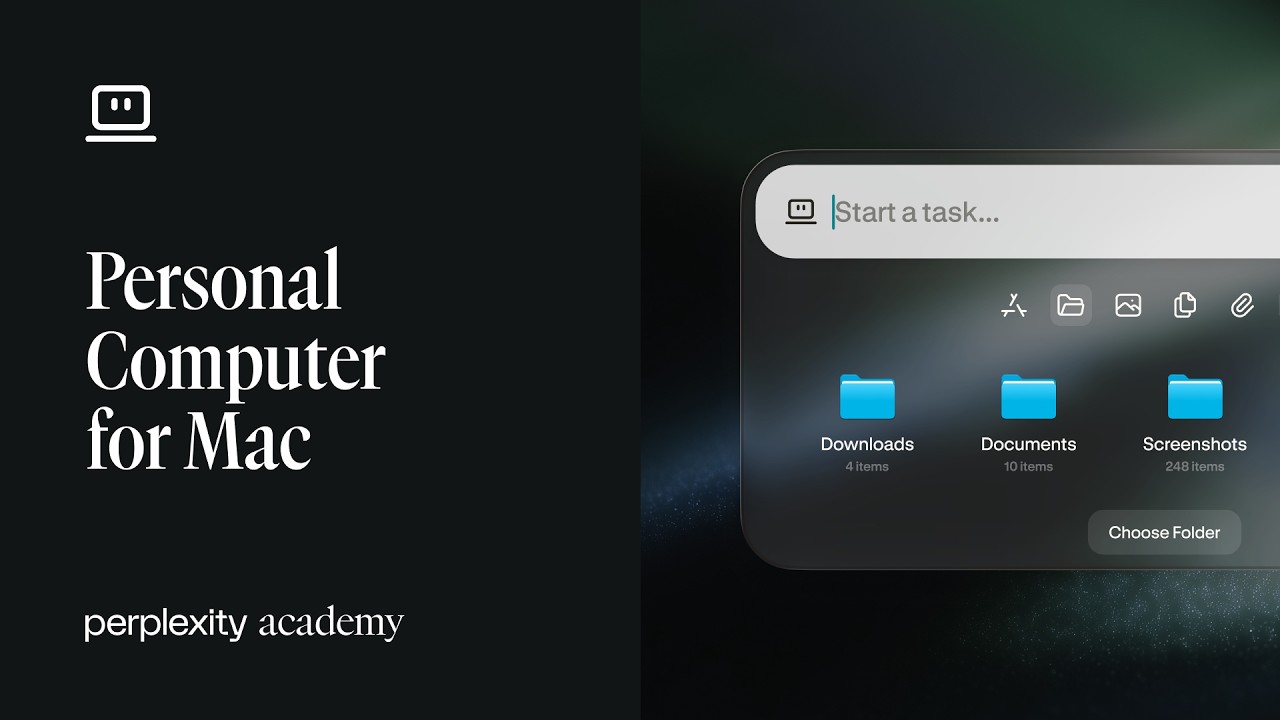
Perplexity | Personal Computer for Mac | Perplexity Academy
This video and its description were originally published by Perplexity.
A lot of work depends on what’s already on your machine: messy folders, repeated workflows, app-based tasks, and projects that need to keep running in the background. Personal Computer reaches into that local environment and works across it, while heavy processing still runs on Perplexity’s secure servers. It lives inside the Perplexity Mac app and runs on any Mac with macOS 14 Sonoma or later.
You’ll learn how to:
-Download the Mac app and turn on Personal Computer
-Give Computer direct access to local files and connected folders
-Summon the floating task bar with a shortcut from anywhere on the desktop
-Start tasks hands-free with voice mode
-Keep work running 24/7 on a Mac mini, even while you’re away
-Pair Comet so Computer can browse, research, and automate web tasks
-Remote control keeps work moving away from the desk. Start a task from your iPhone or another device, and the Mac keeps working. Begin with something that already depends on your Mac: a folder to organize, a file to update, or a workflow that repeats.
This is an episode of Perplexity Academy. Subscribe for more tutorials on building real workflows with Perplexity Computer.
🔗 Get Personal Computer: https://www.perplexity.ai/personal-computer
📚 Perplexity Academy Playlist: https://www.youtube.com/playlist?list=PLKwRkjCH760NNEPqk75Ds6FfIMDmFwHIK
#PerplexityComputer #PerplexityAcademy #PerplexityAI #PersonalComputer #MacApp #AIAgent #AIWorkflow #AIAutomation #ProductivityTools