
News Resources
Perplexity | Managing Computer credits | Perplexity Academy
This video and its description were originally published by Perplexity.
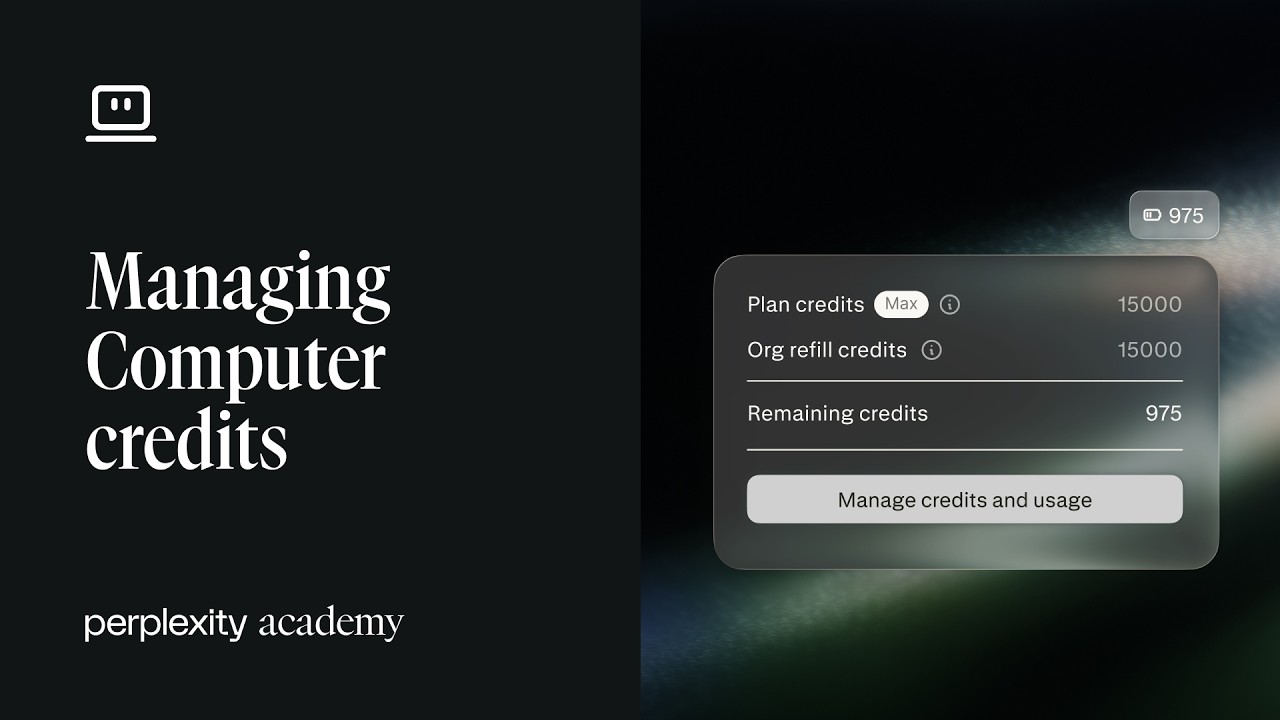
There are two layers to understand. Every seat comes with monthly credits — 500 per Enterprise Pro seat and 15,000 per Enterprise Max seat. Alongside that sits a shared organization credit pool that admins fund and govern for additional usage. Members spend their included credits first, then draw from the pool up to the limit an admin sets.
You’ll learn how to:
Tell the difference between free Perplexity search and credit-consuming Computer work
Understand seat-level monthly credits for Enterprise Pro and Enterprise Max
Add credits to your organization pool from Organization settings
Set default caps by plan type and adjust limits for specific users
Configure auto-reload thresholds and monthly reload limits
Monitor per-user balances, pool balance, and current usage in one place
Seat credits reset each billing cycle and don’t roll over. If credits run out, active work pauses and new credit-consuming tasks are blocked — then paused tasks resume automatically once credits are available. The goal is flexibility for teams and clear control for admins.
This is episode 6 of Perplexity Academy. Subscribe for more tutorials on Computer, Connectors, Skills, and enterprise administration.
🔗 Perplexity Enterprise: https://www.perplexity.ai/enterprise
📚 Perplexity Academy Playlist: https://www.youtube.com/playlist?list=PLKwRkjCH760NNEPqk75Ds6FfIMDmFwHIK
#PerplexityComputer #PerplexityAcademy #PerplexityAI #PerplexityEnterprise #ComputerCredits #AIAgent #AIWorkflow #EnterpriseAI #ITAdmin